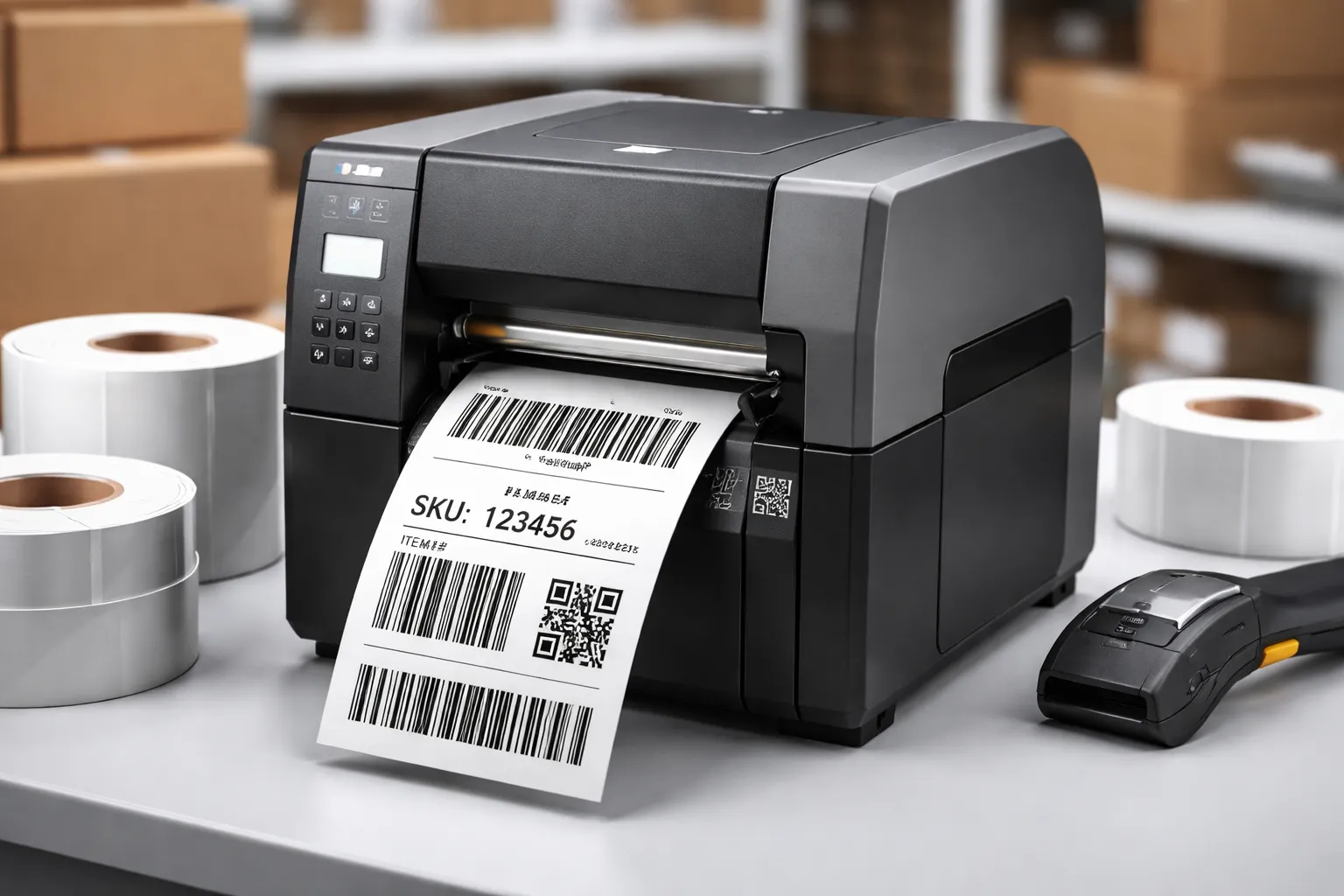
Complete Guide to Choosing a Barcode Printer
In today’s fast-moving business world, accuracy and speed matter more than ever. Whether you run a retail shop, warehouse, pharmacy, or manufacturing unit, a reliable barcode printer can help you manage products, track inventory, and reduce human errors. Many businesses underestimate the importance of the right printing equipment until they start facing labelling issues.
A barcode printer is not just a device that prints labels. It is a smart solution that improves workflow, saves time, and keeps your operations organised. In this guide, we will explain everything you need to know before buying one.
What Is a Barcode Printer?
A barcode printer is a specialised device designed to print barcode labels and tags. These labels are attached to products, packaging, shelves, or shipping boxes. When scanned, the barcode quickly provides product information such as price, stock level, or tracking details.
Unlike regular printers, barcode printers are built for high accuracy and durability. They produce clear lines and sharp codes that scanners can easily read.
Types of Barcode Printers
Choosing the right type depends on your business size and daily printing needs.
1. Desktop Barcode Printers
Desktop models are compact and ideal for small businesses. They are perfect for retail stores, clinics, and offices with moderate printing volume. These printers usually sit on a counter and are easy to operate.
2. Industrial Barcode Printers
Industrial barcode printers are built for heavy-duty use. Warehouses and manufacturing plants prefer these because they can print large volumes without slowing down. They are strong, durable, and designed to run for long hours.
3. Mobile Barcode Printers
Mobile printers are portable and lightweight. Delivery services and field workers use them to print labels on the spot. They often connect through Bluetooth or Wi-Fi.
Key Features to Consider
Before investing in a barcode printer, it is important to check certain features.
Print Resolution
Resolution determines how sharp the barcode will look. Higher resolution means better clarity. If you print small labels with detailed codes, choose a printer with higher DPI (dots per inch).
Printing Speed
Speed matters when printing labels in bulk. Faster printers save time and improve productivity, especially in busy environments.
Connectivity Options
Modern barcode printers support USB, Ethernet, Wi-Fi, and Bluetooth connections. Make sure the printer you choose matches your system setup.
Label Compatibility
Check what type of labels and ribbons the printer supports. Some printers use thermal transfer technology, while others use direct thermal printing.
Thermal Printing Technology Explained
Most barcode printers use thermal technology.
Direct Thermal Printing
Direct thermal printers do not use ink or ribbon. They print directly onto heat-sensitive paper. These are simple and cost-effective, but best for short-term labelling.
Thermal Transfer Printing
Thermal transfer printers use a ribbon to print on labels. The result is more durable and long-lasting, making it ideal for shipping labels and outdoor use.
Understanding this difference helps you select the right barcode printer for your business needs.
Related more articles, thermal paper rolls
Benefits of Using a Barcode Printer
Investing in a barcode printer offers several advantages:
- Reduces manual errors in pricing and inventory
- Speeds up checkout and warehouse operations
- Improves stock management
- Enhances professionalism with clean labels
- Supports business growth and automation
When barcodes are printed clearly and accurately, scanners work smoothly, and operations become faster.
Industries That Need Barcode Printers
Barcode printers are used in many industries:
- Retail stores
- Supermarkets
- Logistics and shipping companies
- Healthcare facilities
- Manufacturing units
- E-commerce businesses
If your business handles products, inventory, or shipments, a barcode printer can significantly improve efficiency.
Common Mistakes to Avoid
Many businesses make simple mistakes when buying a barcode printer.
One common mistake is choosing a low-cost model without checking durability. Another is ignoring future growth. If your business expands, your printing needs will increase. It is better to choose a printer that can handle both current and future demands.
Also, always check compatibility with your POS system or inventory software before purchasing.
Maintenance Tips for Long Life
A barcode printer can last for years if maintained properly.
- Clean the printhead regularly
- Use quality labels and ribbons
- Avoid dust and moisture exposure
- Follow the manufacturer’s guidelines
Regular care ensures consistent print quality and prevents downtime.
Is a Barcode Printer Worth the Investment?
Absolutely. A barcode printer is not an expense but an investment. It improves speed, reduces errors, and supports better stock control. Over time, it saves money by preventing mistakes and improving workflow efficiency.
Businesses that rely on manual labelling often struggle with errors and delays. Switching to a barcode printer system simplifies operations and creates a more professional setup.
Conclusion
Choosing the right barcode printer depends on your business size, printing volume, and durability needs. From small retail stores to large warehouses, barcode printing solutions have become essential for smooth operations.
By understanding printer types, features, and technologies, you can make a smart decision. A reliable barcode printer will not only improve accuracy but also help your business grow efficiently and professionally.
If you are planning to upgrade your labelling system, now is the right time to invest in a high-quality barcode printer that matches your operational needs.