You need a best mobile field service app that keeps jobs organized, cuts travel and paperwork, and lets technicians finish more work per day. The best apps combine scheduling, work-order management, real-time communication, and equipment history in one simple interface so your team arrives prepared and closes jobs faster.
This post walks you through which features matter most and how to match a solution to your crew size, industry, and budget. Expect practical comparisons and decision steps that make choosing the right app quick and confident.
Essential Features of the Best Mobile Field Service App
These features cut scheduling friction, keep technicians productive in the field, and ensure accurate job records and routing. They directly affect first-time fix rates, travel time, and billing speed.
Real-Time Scheduling and Dispatch
You need instant visibility into technician availability, skills, certifications, and current job status. The app should offer a drag-and-drop calendar and automated job assignment rules so you can match jobs to the right technician by skill level, proximity, and parts on hand.
Push notifications and two-way messaging must inform technicians of new jobs, changes, or cancellations in seconds. The dispatcher should see ETA updates and be able to reassign jobs without creating duplicate work orders. Real-time updates reduce downtime, lower overtime, and improve customer ETA accuracy.
Include blackout rules, time-off management, and overtime thresholds to prevent bad assignments. Integration with your CRM and parts inventory prevents scheduling someone who lacks required components.
Mobile Work Order Management
Your app must let technicians open, update, and close work orders entirely from the field using structured forms. Capture labor time, parts used, photos, signatures, and customer notes so the office gets a complete, auditable record the moment the job finishes.
Templates and conditional logic speed data entry and enforce compliance for safety or warranty steps. Support for multiple billing types—fixed price, time-and-materials, and recurring—helps technicians generate accurate quotes and invoices on-site.
Automated workflows should trigger back-office actions: create invoices, reorder parts, update asset histories, or schedule follow-ups. That reduces paperwork, shortens cash-to-collection cycles, and keeps asset records current.
GPS Tracking and Route Optimization
Real-time GPS tracking lets you monitor technician locations and progress without manual check-ins. Combine live locations with traffic and job priorities to calculate the most efficient daily routes and dynamically reassign nearby jobs when cancellations occur.
Route optimization should consider technician skillsets, appointment windows, vehicle capacity, and planned stops for parts pickup. Turn-by-turn navigation links and geofencing automate check-ins and service-time tracking for accurate billing and SLA compliance.
Location data also supports safety and client accountability—time-stamped location logs prove presence at sites. Ensure the app balances accuracy with privacy controls and battery-efficient GPS polling.
Offline Access and Data Sync
Technicians often work in areas with poor connectivity; your app must support full offline operation. Let technicians view assigned jobs, fill forms, capture photos and signatures, and log parts and time while offline.
Automatic, conflict-aware sync should run when the device regains connectivity and resolve simultaneous edits predictably. Use local encryption and incremental sync to protect data and minimize upload time.
Provide clear UI indicators for offline status and sync progress so technicians know when records are stored locally versus successfully uploaded. Reliable offline support prevents double work, lost data, and billing delays.
Choosing the Right Mobile Field Service App
Pick an app that fits how your team schedules work, handles customer data, and grows over time. Focus on integrations, the technician experience, and whether the platform scales without disrupting current operations.
Integration With Existing Systems
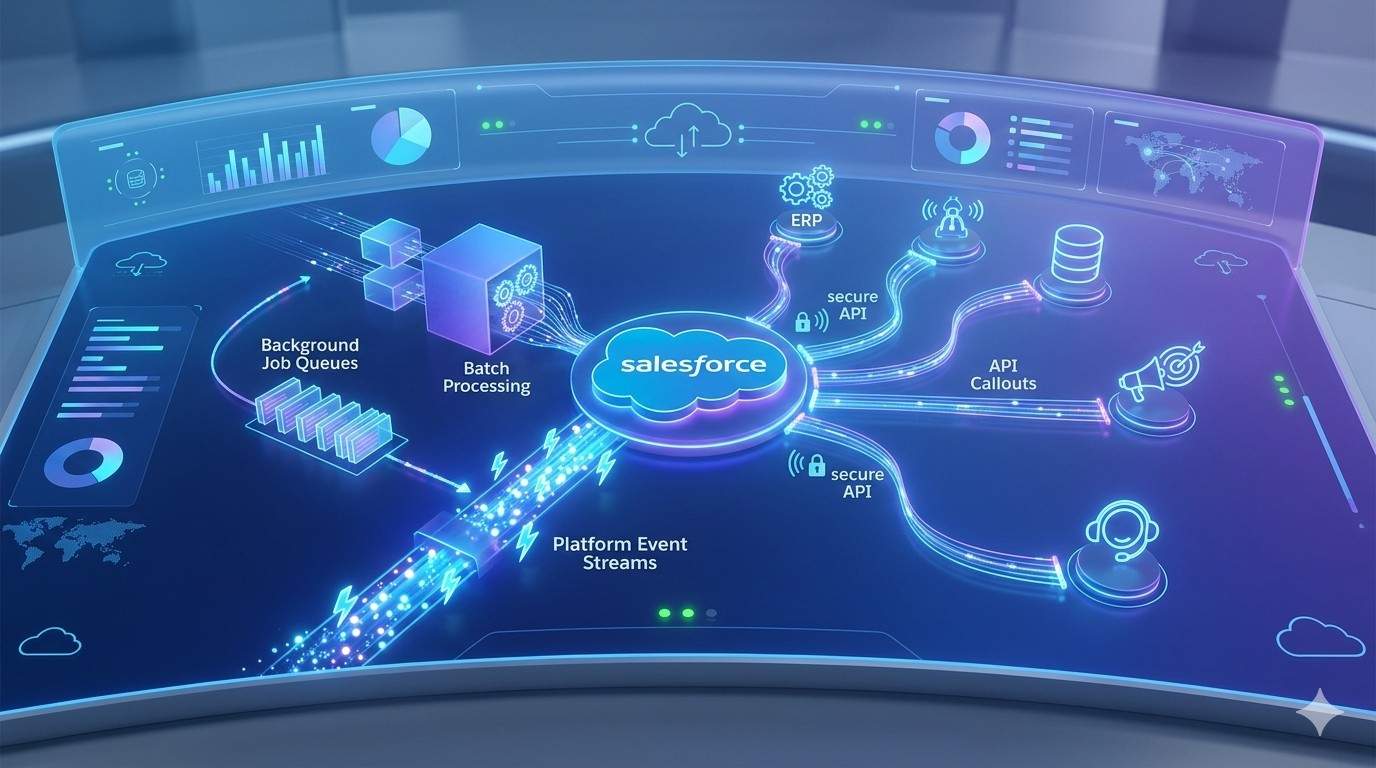
You need seamless data flow between the field app and systems you already use: CRM, ERP, inventory, and accounting. Verify available connectors (prebuilt APIs, middleware like Zapier or Workato, and native integrations). Ask for documentation and sample API calls to confirm what fields sync and how often.
Map critical workflows before you commit. Identify required bidirectional syncs (customer records, invoices, asset history) and one-way feeds (telemetry, sensor data). Confirm how the app handles conflicts, duplicates, and offline changes to avoid data loss.
Check authentication and security compatibility. The app should support SSO (SAML, OAuth) and role-based access that aligns with your directory. Request a sandbox to test integrations with live-like data.
User Experience and Interface
Your technicians will use the app on the job, so prioritize clarity and speed. Look for an intuitive job list, clear time and parts entry, and guided checklists that reduce errors. Test the app on the devices your team uses—low-end Android, rugged tablets, or iPhone—to ensure responsive layouts and acceptable battery/CPU usage.
Evaluate how the UI supports common tasks: capture photos, scan barcodes, generate quotes, and collect signatures or payments. Prefer fewer taps to complete a job and customizable forms that match your SOPs. Check offline mode behavior: can techs access work orders, record parts and sync reliably once back online?
Measure training time by running a pilot with typical technicians. Gather task completion time, error rates, and user feedback. Choose an app with accessible in-app help, role-based shortcuts, and admin tools for tailoring screens per user type.
Scalability for Growing Businesses
Plan for headcount growth, geographic expansion, and more complex workflows. Confirm licensing models—per-user, per-device, or tiered—that won’t balloon costs as you scale. Assess whether you can add locations, service lines, and custom fields without heavy redevelopment.
Look at automation and orchestration features: advanced scheduling, dynamic dispatch, and rules engines that reduce manual work as volume rises. Verify multi-tenant support if you operate across regions or manage franchise partners.
Ask about performance SLAs and database sizing used by current customers of your scale. Request references from companies with similar growth trajectories and test bulk operations (mass dispatching, large data imports) in a staging environment to ensure the app remains fast and reliable.